Self-hosting AI agents for document work: installing Open Docy in four minutes
Most AI agent tools assume your documents can go to someone else's cloud. For invoices, contracts and client files, that's often a non-starter. So we built Open Docy: a self-hosted Agent OS where you design agents on a visual canvas, run them on your own server, and keep a person in the loop for decisions that matter.
It's open source (MIT). One honest caveat first: the platform is open source, but the AI plugin is a signed, compiled download. The installer verifies its signature before installing it.
What you get
- A visual canvas for building agents
- Human approval steps
- Word, PowerPoint and Excel handling through LibreOffice
- A starter invoice agent already loaded
Install it
You need Python 3.12 (uv will fetch it), Node 20.19+ or 22.12+, and pnpm.
git clone https://github.com/opendocyai/Open-Docy
cd Open-Docy
uv venv --python 3.12
cp settings.ini.sample settings.ini && cp .env.sample .env
Edit settings.ini and .env and replace every change-me value. One gotcha: the secret must be exactly 16 characters, or sign-up fails with a "passwords are tampered with" error. Then:
uv sync
uv run docy install-ai
uv run docy install-libreoffice
uv run docy build-web
uv run docy run
install-ai downloads the AI plugin and checks its signature. On macOS, install-libreoffice only prints the Homebrew command (brew install --cask libreoffice), so run that yourself. When the server is up, open http://127.0.0.1:3000. A health check is at /api/v1/common/health.
The first account you create becomes the workspace owner. Passwords need at least 12 characters. A starter invoice agent is already there.
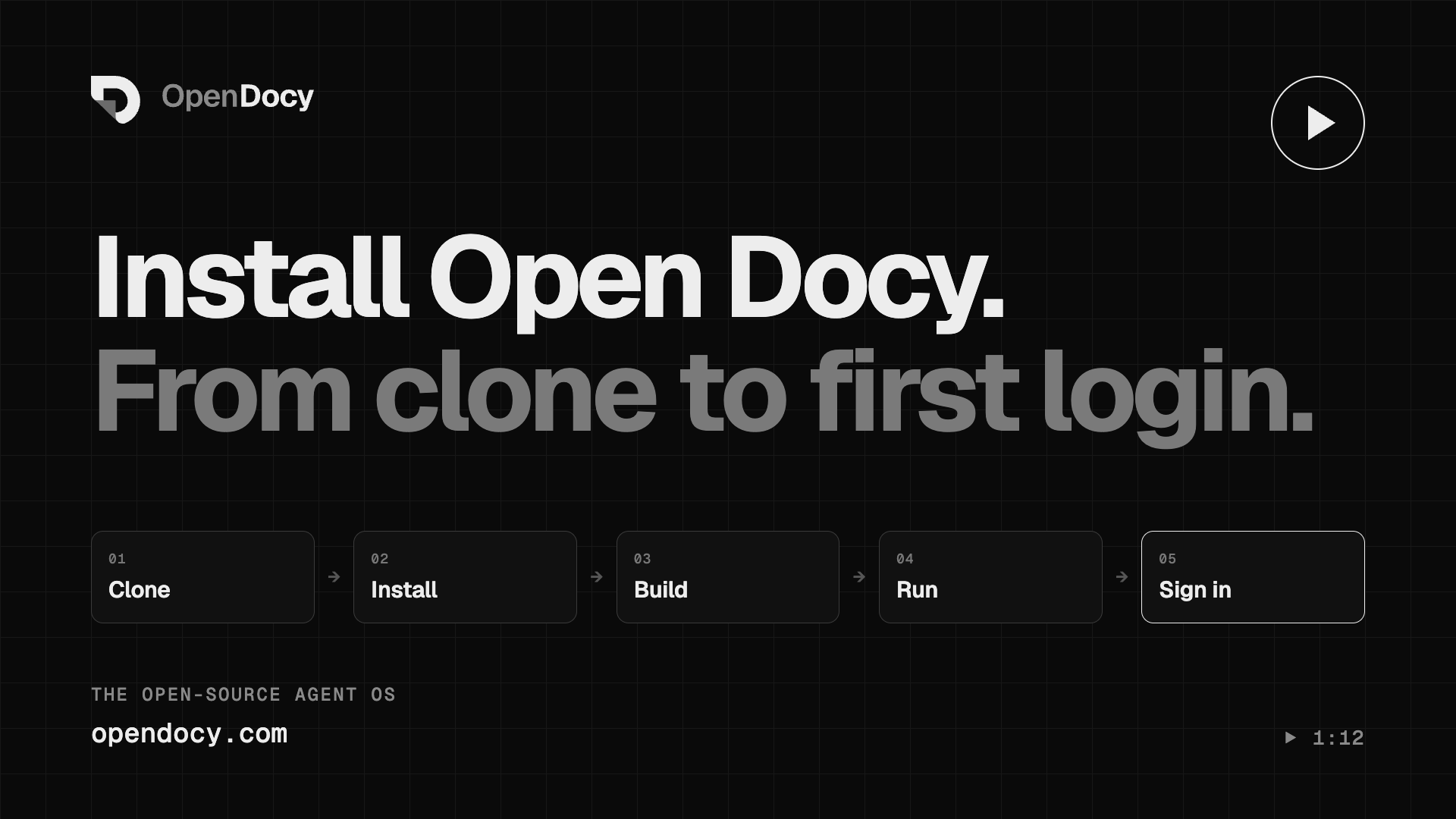
We recorded the whole install on a clean Mac. It takes about four minutes, and the long waits are sped up in the video.
Rough edges (so you don't hit them blind)
- On macOS,
docy install-libreofficedoesn't install anything. It prints the brew command. - The open edition's UI still says "Docy AI" in places.
- A wrong-length
secretisn't validated at startup. You find out when sign-up fails.
What's next
We're looking for feedback on the install experience and on which document workflows to build first. Questions and ideas are welcome in GitHub Discussions: github.com/opendocyai/Open-Docy.